
When I started looking at allotment planning software, I kept finding the same problem: many tools were useful, but they also came with more setup, tracking and administration than I actually wanted.
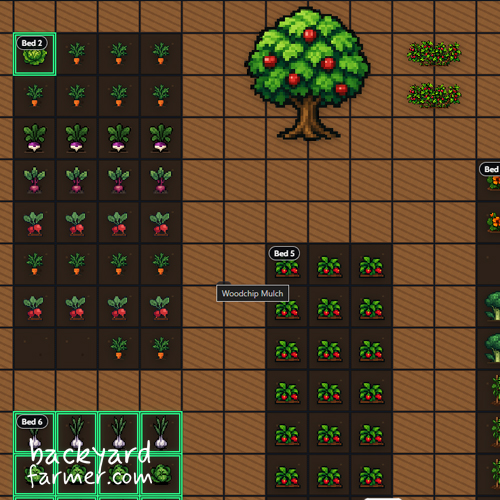
Sometimes you simply want to work out what will fit, where it should go, and whether a different layout might work better.
So I built the Backyard Farmer Allotment Planner around that simpler idea: open it, sketch your plot, add crops, move things around and experiment before planting.
It’s free to use, there’s no mandatory account to get started, and the aim is simple: help you plan your growing space without turning it into an admin exercise.
Why Allotment Planners Can Feel So Complicated
Many allotment planners are designed as garden-management systems, not simply as tools for working out what to grow and where to put it.
That can mean crop records, rotation plans, calendars, reminders, task lists and long-term tracking before you have even finished laying out your beds. For established growers who want detailed records, those features can be genuinely useful.
But sometimes the job is much simpler: draw the plot, see what fits, move things around and try a few ideas before planting anything.
That was the gap I kept finding. I didn’t want fewer useful features just for the sake of simplicity — I wanted a planner where the software helps with the decision-making without becoming another thing to manage.
That thinking became one of the main principles behind the Backyard Farmer Allotment Planner.
The New Generation of Gardening Apps
There has been a boom in new garden and allotment apps, helped by AI-assisted and no-code development tools that make polished software much easier to create.
Many are promoted as smart or AI-powered garden planners, offering personalised advice, task lists, reminders, crop records, pest tracking and harvest logs.
The catch is that much of that intelligence depends on you continually supplying the information.
Planting dates, bed changes, harvests, pests, photographs, soil information and completed tasks all have to reach the system somehow. GrowTrack, for example, builds its long-term “garden memory” from records such as planting dates, soil data, pest notes, photographs and harvests, while Vercro uses crop, bed, task, harvest and observation data to personalise its guidance.
Garden Planners I Rate
I have tried plenty of planning software while developing my own, and there are established tools I genuinely like:
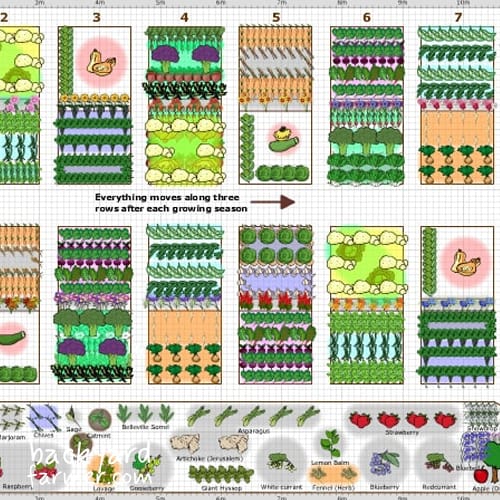
- GrowVeg — probably the benchmark for a mature visual garden planner. Its original creator combines a background in software development with organic gardening, and the wider team includes experienced gardeners and growers.
- Planter — particularly good for North American growers. Founder and developer Peter Keefe originally created it to make planning his own garden easier and still grows on a community garden plot.
What I like about both is that there is a clear connection between building the software and actually understanding the problem it is supposed to solve.
Other Apps I Tested
I also looked closely at the newer generation of garden-management tools, including:
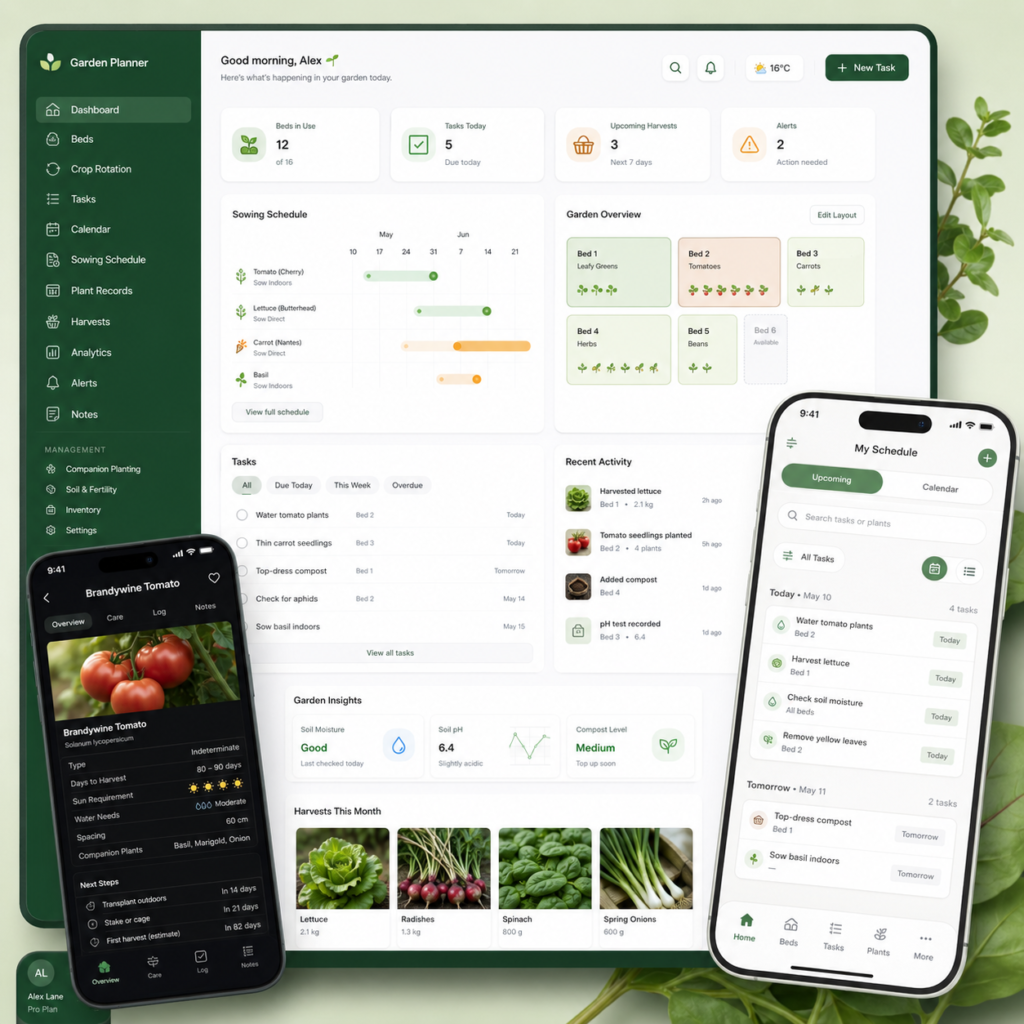
They take quite different approaches, and some have much stronger gardening credentials than others. GrowTrack, for example, comes from an experienced grower but deliberately takes a detailed, record-led approach. GROW openly describes itself as heavily AI-powered and is aimed at helping people learn to grow, while Paula’s Allotment Companion combines planning with journals, yield tracking, savings calculations and other management features.
Trying them helped clarify what I didn’t want to build.
“AI-powered” doesn’t necessarily mean less work for the gardener.
AI can analyse the garden you describe to it, but it cannot know about the crop that failed, the bed you changed or the harvest you picked unless that information reaches the system somehow.
For some growers, keeping detailed records is part of the appeal. For me, though, I didn’t want to build a planner that required you to document your gardening in order to do your gardening.
There is another consideration too. If an app asks you to create an account and provide your location, photographs, growing history or payment details, it is worth checking who is behind it, what information is being collected, how that information is used and how payments are handled. A polished interface alone does not answer those questions. Vercro, for example, provides a detailed privacy policy explaining its data collection and ICO registration — exactly the kind of transparency I think users should be able to find easily.
What I Wanted My Planner to Do Differently
I wasn’t trying to build a basic planner. I wanted to build a smarter, more intuitive way to plan a growing space without adding unnecessary friction.
That meant focusing on a few simple principles:
- Visual planning first — see the plot, beds and crops rather than manage everything through forms and dashboards.
- Easy experimentation — move things around, test layouts and change your mind without starting again.
- Useful growing information — provide enough guidance to help with decisions without overwhelming the plan.
- Quick to start — no mandatory account or lengthy setup before you can actually use it.
- Free to use — the core planning tool shouldn’t sit behind a subscription.
Those ideas became the foundation of the Backyard Farmer Allotment Planner: capable enough to be genuinely useful, but designed so the software stays out of the way while you plan.
When a More Detailed Planner Might Be Better
The Backyard Farmer planner is deliberately built around visual planning and flexibility, but that will not suit every grower.
If you want to maintain detailed records over several years, manage strict crop rotations, track large numbers of varieties or run an extensive system of tasks and reminders, a more specialised garden-management platform may be the better fit.
For most allotment planning, though, I think the priority is simpler: work out what fits, see how the plot comes together and be able to change the plan easily when real life gets in the way.
That is the job I built the Backyard Farmer Allotment Planner to do, alongside other practical tools such as the planting calendar.
Built by a Gardener Who Also Builds Websites
The planner also comes from a slightly unusual combination of experience. I have worked with websites and digital tools for years, but I also work as a gardener and grow food myself.
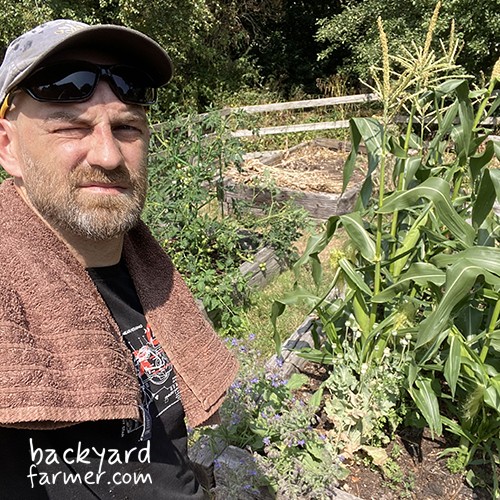
That matters because I am not looking at allotment planning purely as a software problem. I am looking at it from both sides: what the technology can do, and what is actually useful when you are standing in front of a real growing space.
Beds change, plans get altered, crops fail and ideas evolve through the season. I wanted the planner to reflect that reality rather than force everything into a rigid system.
You can read more about my background and the work behind Backyard Farmer on the About page.
Why the Backyard Farmer Planner Is Free
I wanted the planner to be something people could open, use and decide for themselves whether it helps — without first creating an account or paying for a subscription.
Planning an allotment is only one part of growing food, so I don’t think the basic tools needed to sketch a plot, test layouts and organise crops should sit behind a paywall.
The planner is supported as part of the wider Backyard Farmer website, which allows me to keep the core tool free to use while continuing to improve it over time.
If you find it useful and would like to support its development, you can always buy me a coffee — but there is absolutely no requirement to do so.
The goal is simple: make a genuinely useful allotment planner accessible to as many growers as possible.
Try the Free Allotment Planner
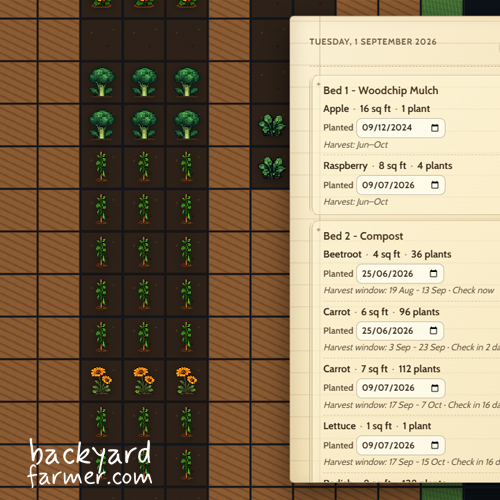
If you want to plan your allotment without spending ages setting up the software first, give the Backyard Farmer Allotment Planner a try.
You can sketch out your plot, add crops, move things around and test different layouts before committing anything to the ground.
It is free to use, there is no mandatory account to get started, and the aim is simple: help you plan your growing space without getting in the way.